Choose based on the bottleneck
- If the bottleneck is course planning, first-draft content, labs, assessments, manuals, LMS packaging, or coordinated source production, an AI courseware workflow can remove substantial repetitive work.
- If the bottleneck is custom interaction design, precise animation, triggers, states, timelines, or tool-specific visual behavior, a traditional authoring tool is usually the better environment.
- If you need both, produce the course foundation first and continue detailed authoring afterward.
Courseware Studio is designed for the combined workflow
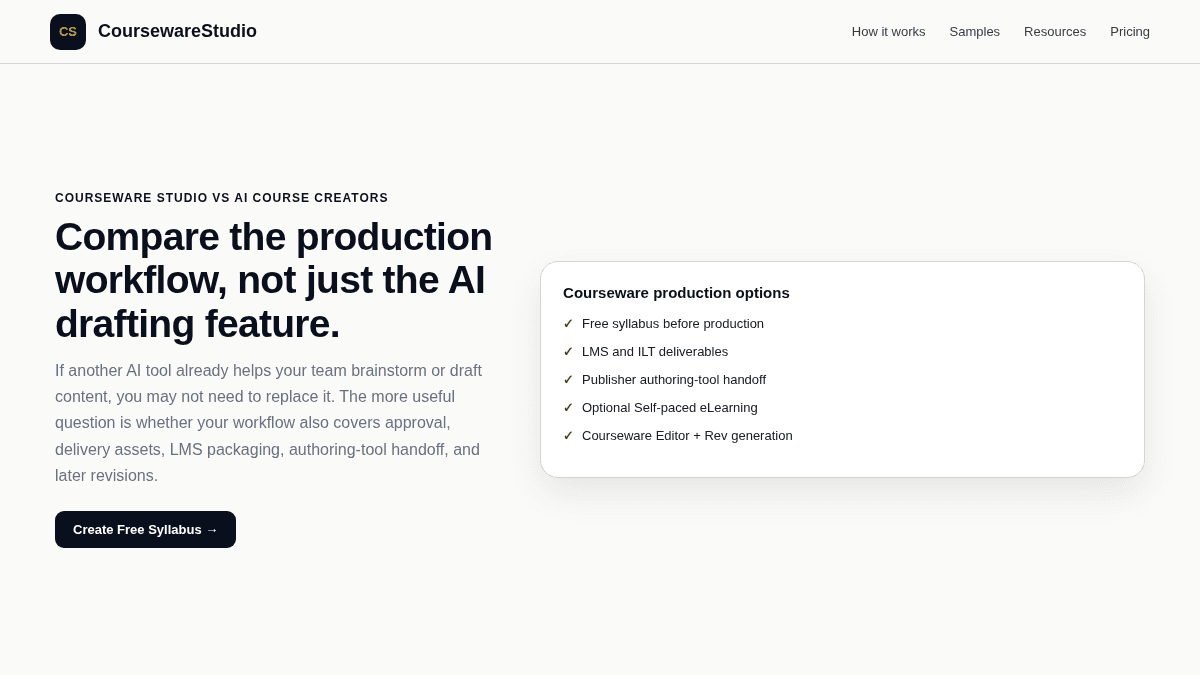
Courseware Publisher can hand off organized source assets and tool-specific resources for Storyline 360, Captivate 13, and iSpring Suite. It does not manufacture their proprietary project files. That makes the comparison less about replacing a familiar authoring tool and more about deciding which production work should happen before the author opens it.