What learners receive
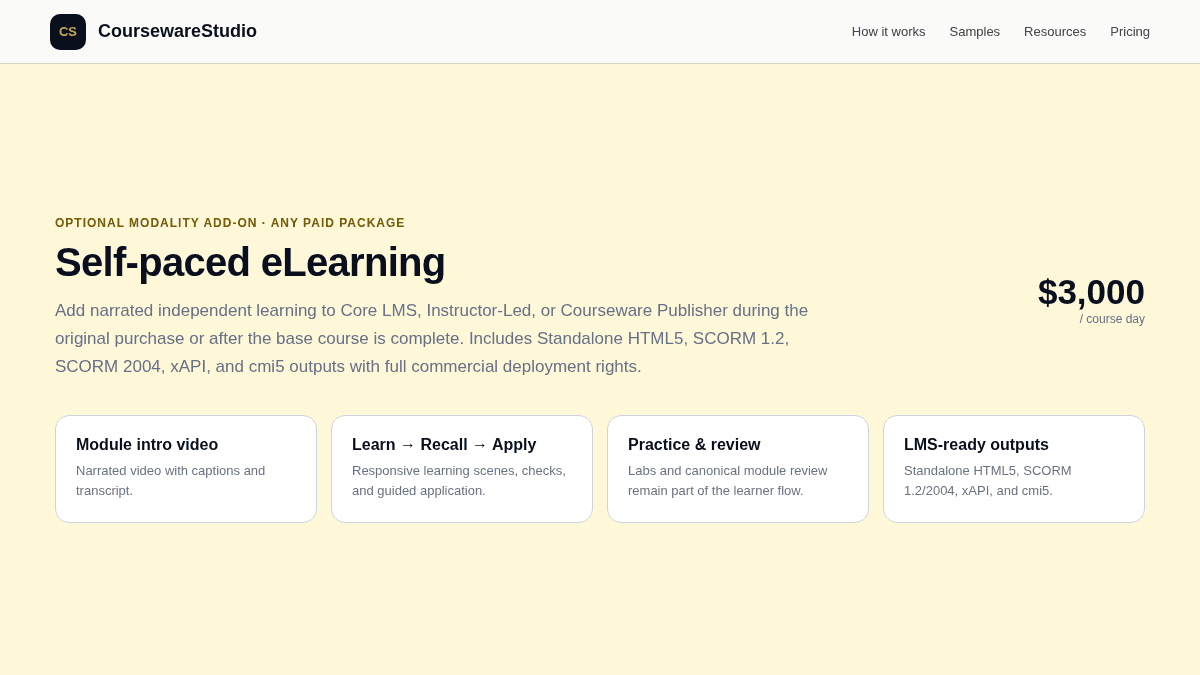
- A current Module Intro Video for each module with MP4, VTT captions, SRT captions, and transcript TXT.
- A module overview with objectives, learner context, lesson sequence, and expected effort.
- Responsive Learn scenes with narration based on canonical learner content and approved media.
- Recall and Apply activities where the approved source content supports them.
- Native labs or guided practice, followed by the canonical Module Review and summary/resources.
How to add it
Create or open a paid course
Self-paced eLearning is available with Core LMS, Instructor-Led, or Courseware Publisher.
Select the Self-paced option
It can be purchased during the original course purchase or added after the base course is complete.
Prepare the packages
The workflow reuses current valid module videos and prepares missing or stale sets before final packaging.
Download the format you need
Supported outputs are Standalone HTML5, SCORM 1.2, SCORM 2004, xAPI, and cmi5.